 LLC
LLCCopywriting
Builds the argument for a page, email, or post: who it's for, the offer, the proof, the next step. Won't invent claims.
Download CopywritingFrom Richard Machemehl, founder of Executive Technology Group and M2 AI.
The tips, templates, and free skills from my talk. Start with the first section and go at your own pace.
66% of U.S. small businesses now use AI, up from 23% in 2023.
Source: U.S. Chamber of Commerce, Empowering Small Business, October 2026
Simple to advanced. Start with number one.
and let it write your prompts
The biggest upgrade is the simplest. Don't type one line and hope. Have a conversation, and let the AI write the prompt for you.
I want to post on Facebook more often for my business.
What does your business do, and who are your customers?
Home technology in Houston. Homeowners who want Wi-Fi that just works.
What should someone do after they read a post?
Call us to fix their dead zones.
Got it. Here's a prompt to run in a fresh chat: "I own a home technology company in Houston..."
I want to [your goal]. Ask me questions one at a time until you understand my business and what I need. Then write me a prompt I can use to get it done.
You don't need to learn prompt writing. Let the AI do it.
Same request, much better result. Turn the four parts on and off to see what each one adds.
Write a Facebook post about my business.
I own a home technology company in Houston. My customers are homeowners who want reliable Wi-Fi but don't care about the tech. Write a Facebook post about the frustration of dead zones and how we fix them. Conversational, no jargon, under 100 words. Don't make up claims or testimonials.
The copy button always copies the full prompt.
Even easier: talk instead of type. Record a meeting or walkthrough and give it the transcript.
so it sounds like you, not like AI
There are two layers of instructions. Tap a layer to see what goes in it.
The project file wins when they disagree.
Applies to everything.
~/.claude/CLAUDE.md for Claude Code, ~/.codex/AGENTS.md for Codex.The project file wins when the two disagree.
CLAUDE.md or AGENTS.md in the project folder.# About me and how I work
Read this before every task. A project's own AGENTS.md or CLAUDE.md wins when it's more specific.
## Who I am
- Name and role:
- Business and what it does:
- Customers I serve:
- Where I'm located:
## How I like work done
- Lead with the answer, then the details.
- Use plain language. Keep it short unless I ask for more.
- Ask me only when a decision really changes the result.
- Tell me what you checked and what you didn't.
## My rules
- Nothing gets published, posted, or sent without my approval.
- Never make up numbers, quotes, testimonials, or claims.
- Use read-only access to my tools unless I say otherwise. Never ask for or store my passwords.
- Don't include customer personal information unless the task requires it.
## Where things live
- My website:
- Brand colors, logo, and fonts:
- Files and folders I use most:
- Tools I use (email, calendar, accounting, CRM):Keep everything in AGENTS.md and make your CLAUDE.md one line: @AGENTS.md. Then you only update one file.
Ask: "Interview me about my business, then write my custom instructions."
AI writing has tells. One of them is fine. A pile of them is slop, and readers notice. Here's what to watch for.
"It's fast — really fast — and simple."
Em dashes everywhere"It's not just software, it's a partner."
delve, seamless, robust, game-changing, unlock, elevate
"Fast, simple, and reliable." Every single time.
"In today's fast-paced world..."
"...showcasing our commitment to excellence."
"Save time. Get your day back. Focus on what matters."
"Great question!" "I hope this helps!"
In today's fast-paced world, your home deserves more than just technology. It deserves a seamless, game-changing experience. Elevate every moment, unlock peace of mind, and discover what's possible.
We design and install the audio, lighting, and Wi-Fi in your home, then support it after we leave. When something stops working, you call one company.
The fix is to say what you actually do. The free skills below catch most of this for you.
No single word or punctuation mark proves something was written by AI. It's the pile-up that gives it away. This checker looks for common patterns only, so read the draft yourself too.
A skill is a saved set of instructions for a task you repeat. It loads only when that task comes up, so you get the same rules and format every time instead of the AI guessing.
Builds the argument for a page, email, or post: who it's for, the offer, the proof, the next step. Won't invent claims.
Download CopywritingA fill-in-the-blank template. Paste in a few things you wrote, plus your rules, and it writes like you.
Download Your VoiceEdits a finished draft so it reads like a person wrote it, and checks that every fact survived.
Adapted from Brandon Wise's open-source humanizer (MIT License).
Download HumanizerPlans and builds short branded videos with you, scene by scene, using Remotion. See how it works.
Download Motion VideoCopywriting builds the argument: who it's for, the offer, the proof, the next step.
Download the .zip files above, give them to your AI agent (Claude, ChatGPT, Codex, or whichever you use), and paste this:
I'm giving you skills as .zip files, such as copywriting.zip, your-voice.zip, humanizer.zip, or motion-video.zip.

1. Install each skill where skills belong in the app or tool you're running in. Keep every file and folder inside each zip, including any references folder and LICENSE file.
2. If you can't install skills here yourself, tell me the exact steps for this app instead of guessing.
3. Tell me where you put each one and how I use it.
4. If Your Voice is one of them, help me set it up. Ask me for three or four things I've written and the rules I want followed, and fill in references/my-voice.md for me. Show me the finished file before you save it.
Prefer to do it yourself? See Claude help: use skills, Claude Code docs: skills, or ChatGPT help: Projects.
in one conversation
Use the same conversation trick to get a real plan for your business, not generic advice.
Interview me about my business, my customers, and my budget, one question at a time. Then build me a 90-day marketing plan: who to target, what to say, which channels fit my budget, and a weekly calendar.
Now draft the first four weeks of posts and emails from this plan, in my voice.
I use this. My plan feeds an AI agent that makes and schedules posts every day.

Your plan says what to post. This says how to run it: Facebook, Instagram, TikTok, YouTube, LinkedIn, and Google Business Profile, organic and paid. 59 pages, updated October 2026.
The actual pages from the playbook, with the cover and table of contents left out. Read them below or keep the free sample. No email needed.
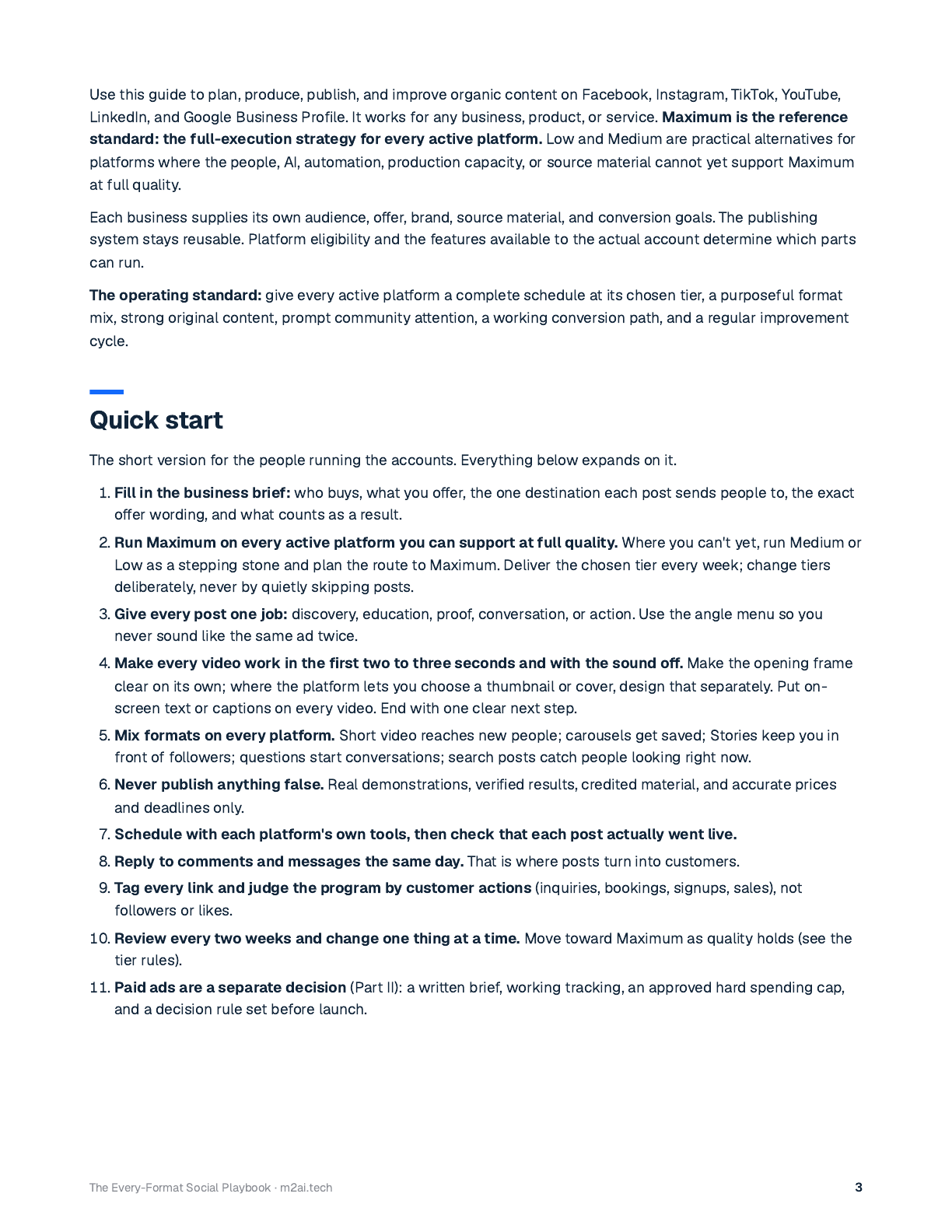
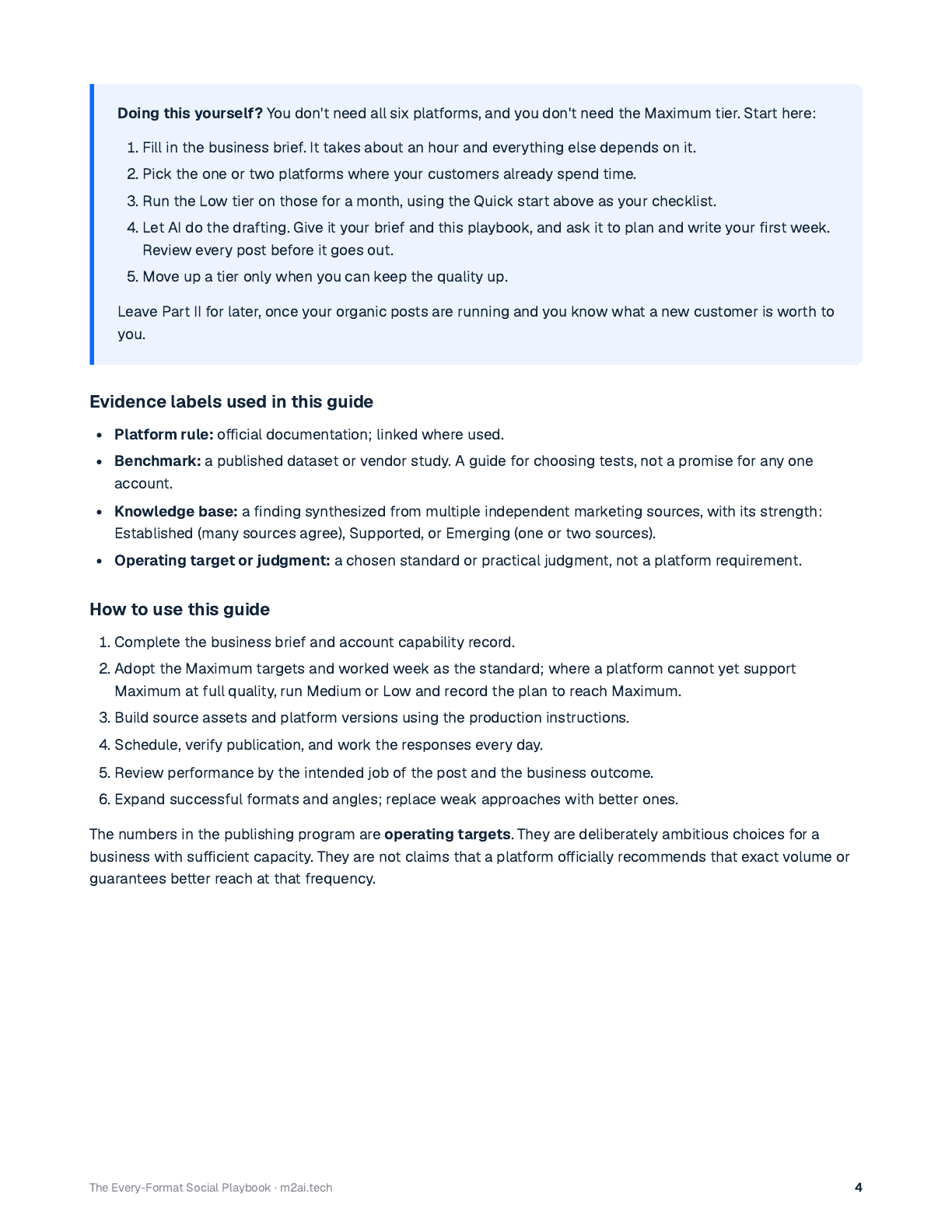
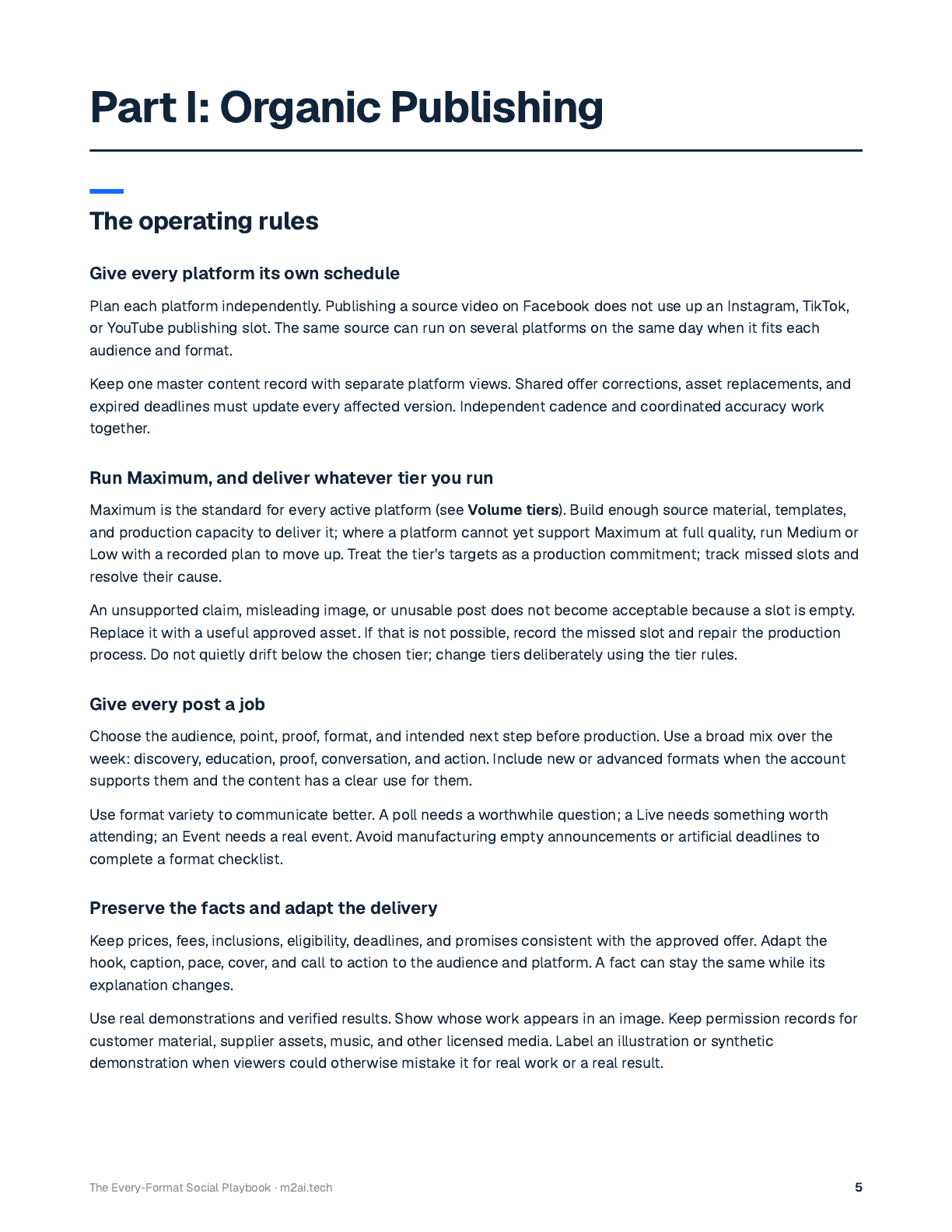
That's 3 of 59 pages. The full playbook will be free to download right here soon.
That's 3 of 59 pages. Get the rest free.
agents and connectors
Agents don't just answer. They do the work, and you approve it.
Works in folders on your computer. Turn a pile of receipts into a spreadsheet, or scattered notes into a report.
Available on paid Claude plans (Pro, Max, Team, and Enterprise). Claude help: Cowork
Always-on agents that run tasks for you in the cloud.
Rolling out to ChatGPT Pro (outside the EEA, Switzerland, and the UK) and Business Premium, with a beta for Enterprise, Edu, and Healthcare. ChatGPT help: dots
Let agents reach your tools, like QuickBooks, Gmail, your calendar, and your CRM. In Claude, look for Connectors in Settings. In ChatGPT, they're called apps.
Nothing goes out without your review. Usually read-only access, depending on the tool. Never share your passwords.
Flip the switch to see the difference.
Read-only: the agent can look things up, but it can't change, send, or delete anything.
Read-only lets an agent look things up. Read and write lets it send, change, or delete things, so turn that on only when you need it.
Not sure if your tool has a connector? Ask your AI, for example: "Is there an official connector for QuickBooks?" It can walk you through setting it up, too.
for customers and employees
Stop answering the same question every week. Turn it into a video once.
Record yourself doing it: your screen and your voice, the way you'd show someone.
Give the recording or transcript to the AI. It writes clear steps, a script, and a written checklist or SOP.
Motion graphics plus a voiceover, even in your own cloned voice. See how in step 6.
Here's a transcript of me showing how to [task]. Turn it into numbered steps, a 60-second video script, and a one-page checklist for [new employees or customers]. Keep my wording where it's clear.
Use it for onboarding new hires, customer setup guides, and the questions you answer every week.
no camera, no editor
Every video in my talk was written as code by AI. No camera, no video editor. Here's how to make your own.
Make me a 20-second motion animation as a single HTML file I can preview right here. It's for [where it will play, for example my website or an Instagram reel], in [16:9 or 9:16]. My business is [what you do] for [who you serve]. Show three short scenes: [scene 1], [scene 2], [scene 3], and end with [your call to action]. Use these colors: [colors]. Keep text large and easy to read, hold each scene for at least 3 seconds, and don't make up any numbers, reviews, or claims.
Replace the parts in brackets before you send it.
npx skills add remotion-dev/skills
Remotion docs: agent skills
For realistic footage, I run an open AI video model (LTX) on my own computer. When it can't do a shot, I use Higgsfield.
Remotion is free for individuals, companies with up to 3 employees, and nonprofits. Larger companies need a Remotion Company License.
Most first drafts move too fast. If people can't read it, ask for it slower, with a pause at the end of each scene.
Each scene holds for under a second. Try to read it.
Ideas to try, a prompt library, which AI to use, and my rules.
Ideas to try.
Answer common calls and take messages after hours.
Turn a recording into notes, tasks, and a follow-up email.
Have it review your P&L or a spreadsheet and flag questions.
Draft thoughtful replies to reviews for you to approve.
Write job posts and screening questions.
Build a skill from your best past proposal.
Turn one finished job into posts for every channel.
Turn a voice memo into a checklist or SOP.
Is there a connector for my tool? How do I set this up? Your AI can answer most of these, including questions about AI. Fill in your details once and every prompt below fills in for you.
Is there an official connector (MCP) for [tool]? Tell me who makes it, what it can read, what it can change, and how to set it up with read-only access first. Link me to the official setup page, and tell me if you're not sure it exists.
What permissions does the [tool] connector ask for? Explain each one in plain English and tell me which ones I can turn off and still get value from it.
I run [my business]. How could AI help me [task]? Give me the simplest way to start this week, what I'd need, and what to watch out for. Ask me questions first if you need more context.
Walk me through how to [task], step by step. Use the current official help pages instead of going from memory, give me one step at a time, and wait for me to say "done" before the next one.
I want to [task] for [my business]. What tools could do this? Compare two or three options on cost, setup effort, and what data they'd need access to. Tell me what you're not sure about.
I keep asking you to [task]. Turn the way we do it into a skill I can reuse. Ask me what should stay the same every time, then write the skill and tell me where to install it.
Before you start, tell me your plan and what you need from me. Don't send, post, delete, or change anything without asking me first.
Check this for facts, numbers, and claims I can't back up. List anything you're unsure about instead of quietly changing it.
"I use both. In my experience ChatGPT is the engineer: thorough, sometimes overthinks. Claude is the designer: thoughtful and natural, sometimes misses small details. On big work, have them check each other. Plans start around $20 a month."
M2 AI builds software and AI tools for service businesses.